




16 Mar 2026
Microsoft 365 Copilot Features: The 2026 AI Productivity Guide
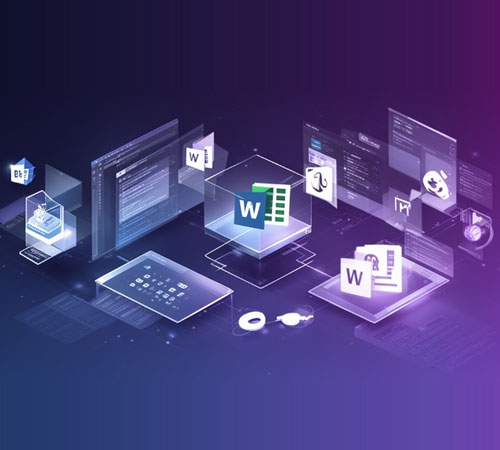
Microsoft 365 Copilot has transformed how businesses work. In 2026, Copilot features have expanded significantly, offering unprecedented productivity gains.

We can advise and guide you based your specific requirements.

Microsoft 365 Copilot has transformed how businesses work. In 2026, Copilot features have expanded significantly, offering unprecedented productivity gains.
AI-powered document creation:
Data analysis and insights:
Presentation creation:
Our Microsoft 365 services include:
Ready for Copilot? Contact Diginow.

Microsoft 365 has evolved far beyond a simple productivity suite. In 2026, it has become a strategic business engine that drives productivity, collaboration, security, and digital transformation.

Copilot can accelerate productivity, but only if the Microsoft 365 environment behind it is properly governed. Permissions are where that work starts.

Collaboration gets harder when structure slips. Content sprawl creates noise, confusion and drag across Teams, SharePoint and OneDrive.
Diginow transformed our digital presence. Their strategic approach and stunning design resulted in a 40% increase in user engagement.
The team at Diginow is exceptional. They delivered a complex e-commerce platform on time and on budget. Highly recommend!
A true partner in our growth. Their design-led builds are not only beautiful but also highly effective in achieving our goals.
See what’s working, what’s holding growth back and where the biggest opportunities are